*If you're returning from a break in setting up your tournament's website:
1. Go to your tournament's URL and log in.
2. Click Administration.
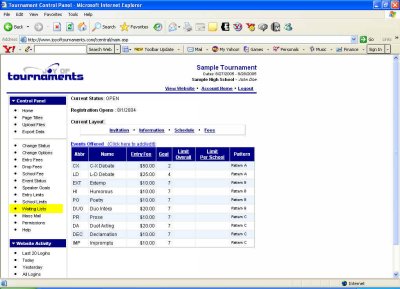
The waiting list is useful when you anticipate the limits you've set to be reached. It allows teams/contestants who attempt to enter after those limits are reached to be placed on a waiting list in case another entry has to cancel. In the column of choices on the far left of the page under Control Panel click Waiting Lists.
You'll be taken to a page where you'll see an option to "Allow schools to place entries on wait list above per-school limits." If you wish to use waiting lists on any events at all, check this first box.
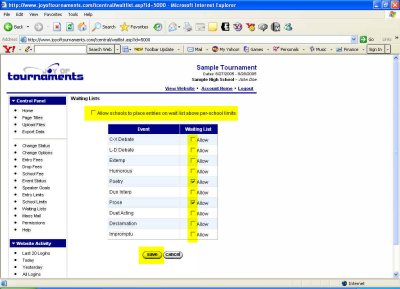
Then, in each event for which you plan to use waiting lists, check the appropriate box. Because you had the chance to designate waiting lists for events when you first entered them, you may already see some boxes marked. When all appropriate boxes are checked, click Save.