*If you're returning from a break in setting up your tournament's website:
1. Go to your tournament's URL and log in.
2. Click Administration
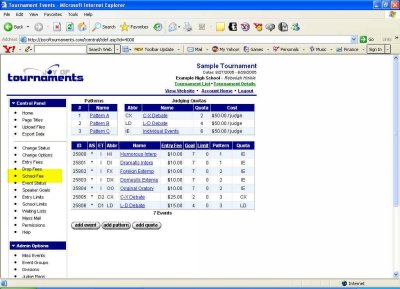
In the left-hand column under Drop Fees you should see the title School Fee.
If you plan to charge a general fee to all teams click on School Fees.
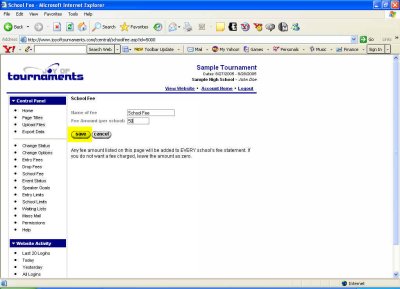
School Fees are called many different names. This is simply a fee you're charging the team as a group no matter how many entries they have. You may choose here to name it according to your preferences. Some names this fee has been given are: Team Fee, School Fee, Facility Fee or Judge Fee.
Below the name you've chosen and entered, enter the amount of the fee you plan to charge. Then click Save.
You'll be returned to the previous page once again. Now you're ready to Set Speaker Goals per Room.