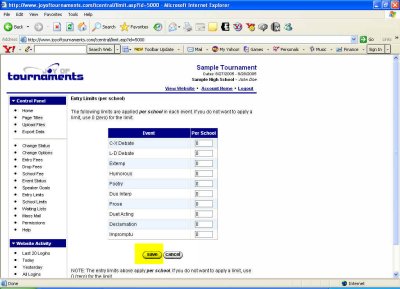
In the table that appears type in the number of entries to which you'll limit each school in each event. You may choose to limit schools in some events and not in others, and that's fine. Simply leave unlimited events at 0.
*If you're returning from a break in setting up your tournament's website:
1. Go to your tournament's URL and log in.
2. Click Administration
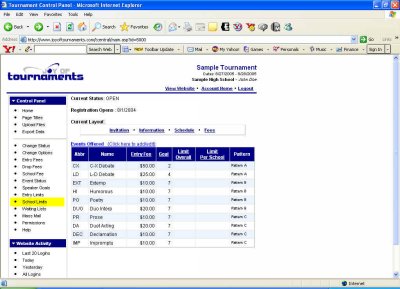
If you plan to limit the number of entries each school can have in certain events, then this is where we'll take care of that. In the column of choices on the far left of the page under Control Panel you'll see School Limits. Click on that.
When you're satisfied with the numbers you've entered, click Save, and you'll be returned to the previous page. You now have the option of setting up Group Limits as well.