*If you're returning from a break in setting up your tournament's website:
1. Go to your tournament's URL and log in.
2. Click Administration
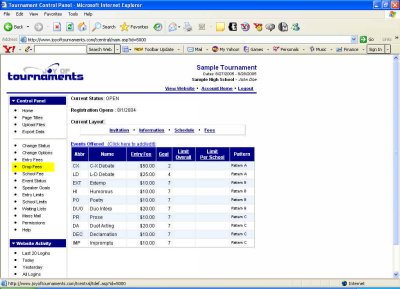
In the left-hand column under Control Panel you should see the title Drop Fees.
Click on Drop Fees. In the table that appears you'll see a column listing the fees for each event and a column for each deadline that's been set for your tournament. (Deadlines for your tournament are entered according to your specifications by The Joy of Tournaments staff.)
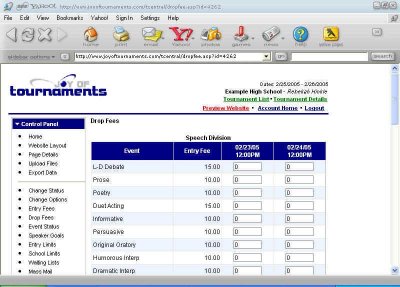
Below each deadline enter the fee amount for drops after that date and time. This amount does not automatically include the entry fee, so if you plan to charge, say, $10 extra for a drop, and the original entry fee was $15, the amount you'll enter under that deadline will be $25. Similarly, if after the first deadline you intend for the team to lose only the entry amount, enter that original $15.
When you've entered all applicable drop fees, click Save. You'll then be returned to the previous page, and you can move on to entering the next fees, which are School Fees.