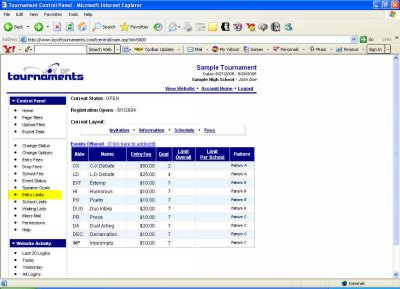
*If you're returning from a break in setting up your tournament's website:
1. Go to your tournament's URL and log in.
2. Click Administration
EVENT ENTRY LIMITS
With The Joy of Tournaments website you have the option to limit the number of contestants that can enter each event. If you don't plan to set any limits, you may skip this step. If you do plan to set entry limits however, click on Entry Limits under Speaker Goals in the left column.
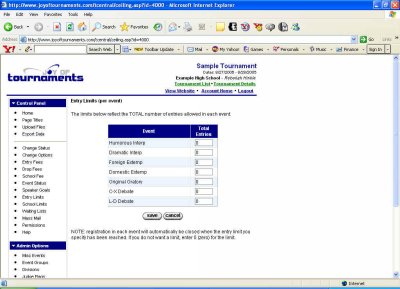
Next to each even you plan to limit, simply replace the 0 with the number of entries you'll allow in that event. If you wish to limit only some events, that's perfectly fine. Just leave the unlimited events at 0. When you've entered all your limits, click Save, and you'll be returned to the previous page.
From here, we can move on to setting School Limits.